ZonnoOffice
Record or upload meeting audio and receive AI‑crafted notes in your inbox. Paste YouTube links for instant summaries, choose formats and languages, and keep your files organized.
Currently available for iOS. Background uploads, microphone recording, and YouTube summarization require an internet connection.

Features
Everything you need to capture and turn meetings into polished notes.
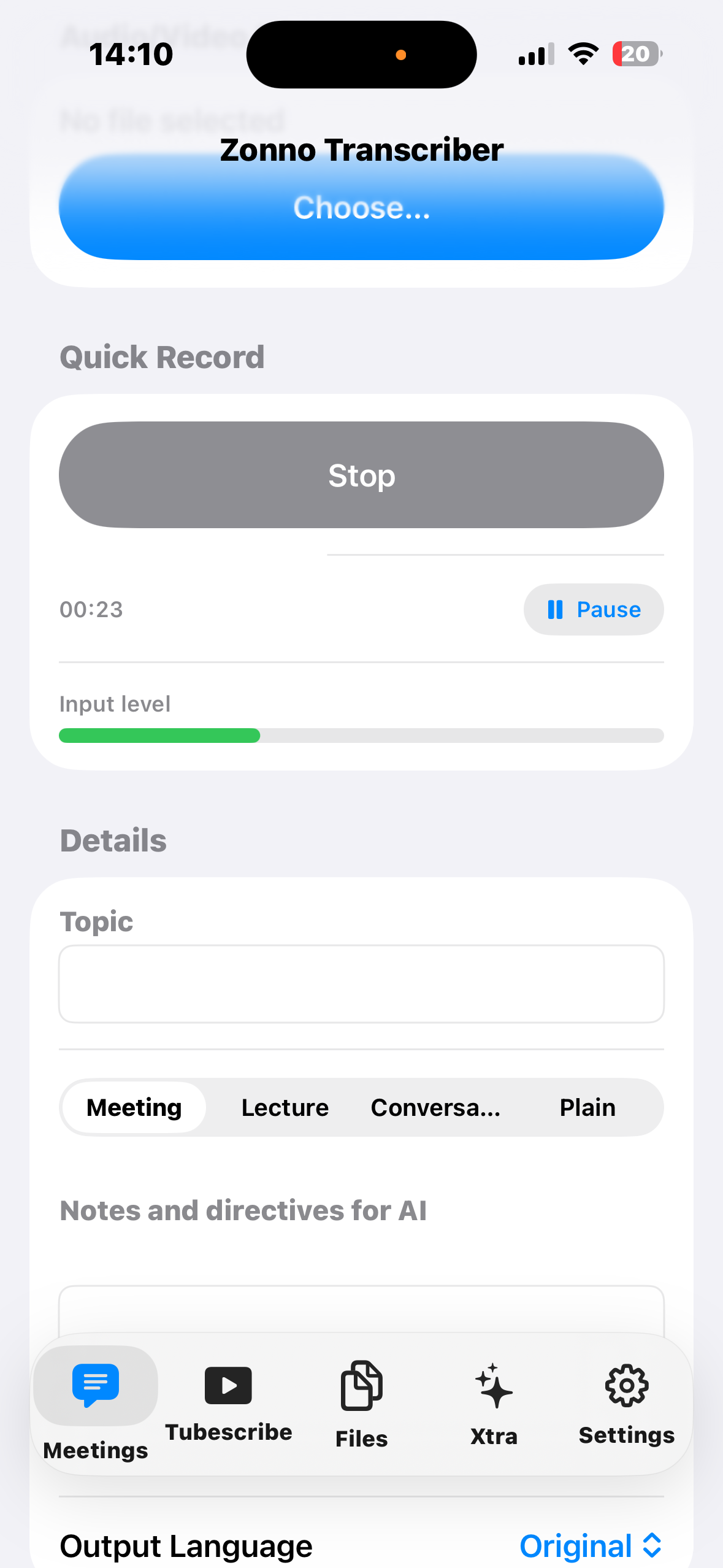
Quick Record
Record, pause, and resume with an input level meter. Files are stored locally and can be exported anytime.
Upload Any Audio/Video
Upload m4a, mp3, wav, mp4/mov audio tracks. Background uploads keep going even if you switch apps.
Email Delivery
Receive AI‑crafted notes directly in your inbox—no need to poll or track jobs in the app.
YouTube Summaries
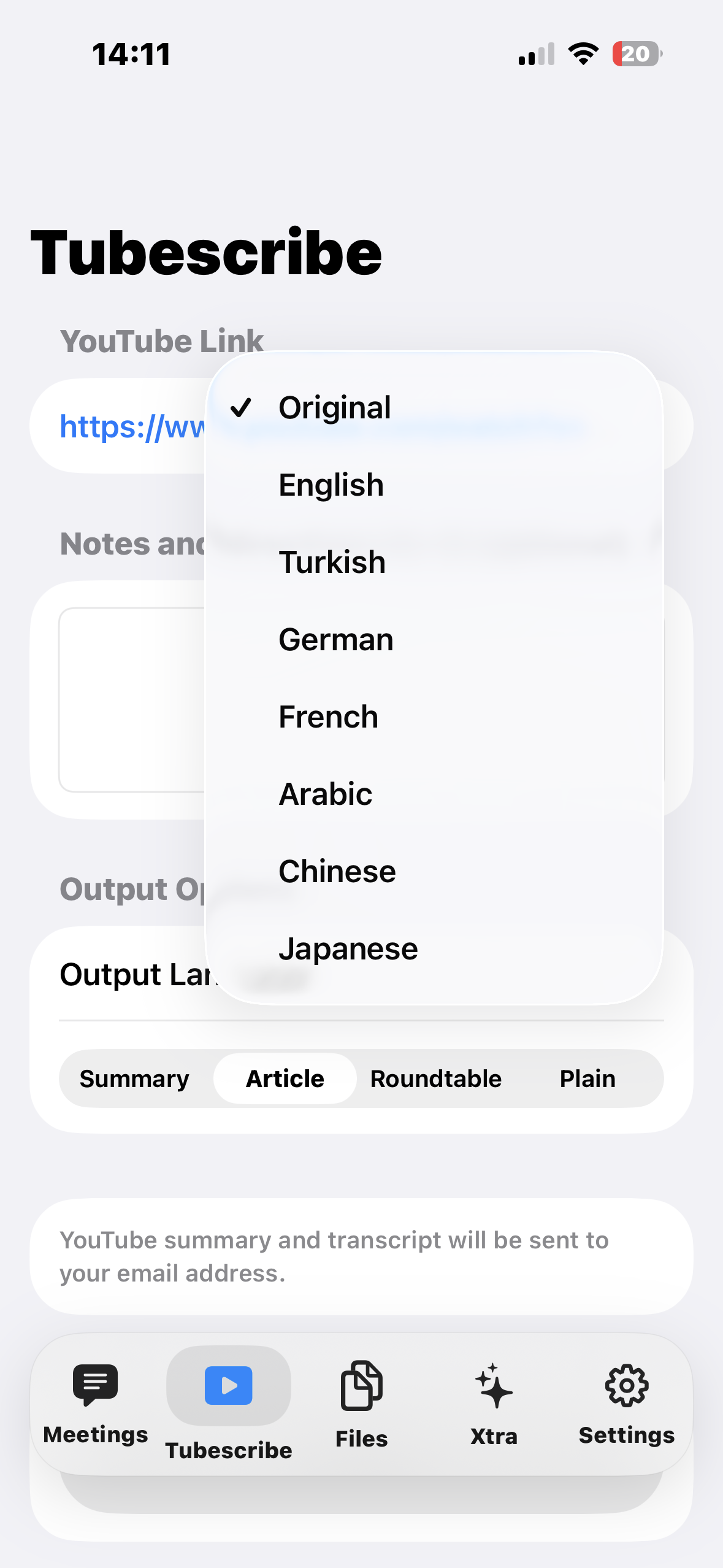
Paste a link, pick an output format, and get a concise summary with key sections and insights.
Flexible Output
Choose “meeting”, “lecture”, “conversation”, or “plain”. Output language options include Original, English, Turkish, German, French, Arabic, Chinese, and Japanese.
Privacy‑First
Your recordings live on your device until you choose to upload. We process files to deliver notes, then minimize retention.
How it works
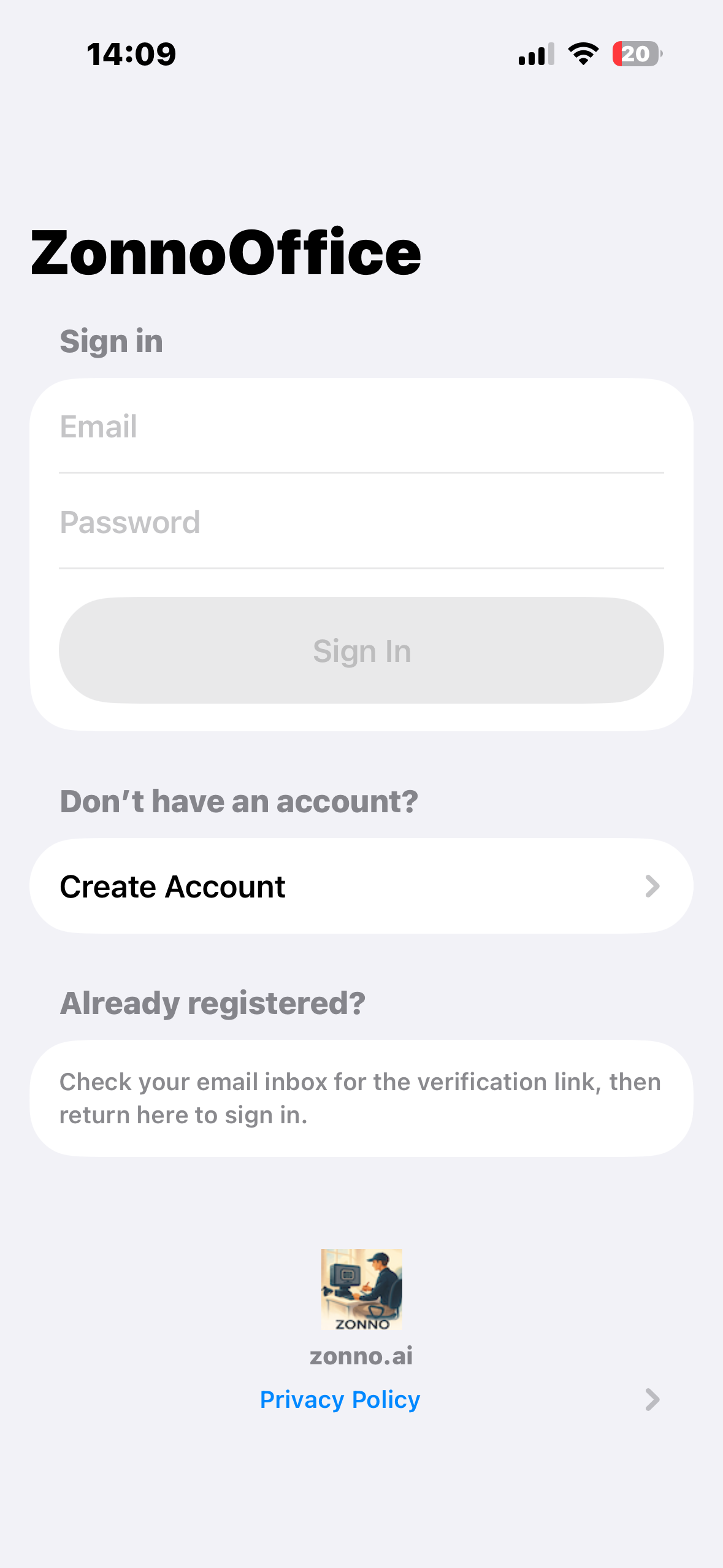
- Sign in to your Zonno account.
- Record or upload your meeting audio/video.
- Pick output options (format and language) and submit.
- Receive notes by email when processing completes.
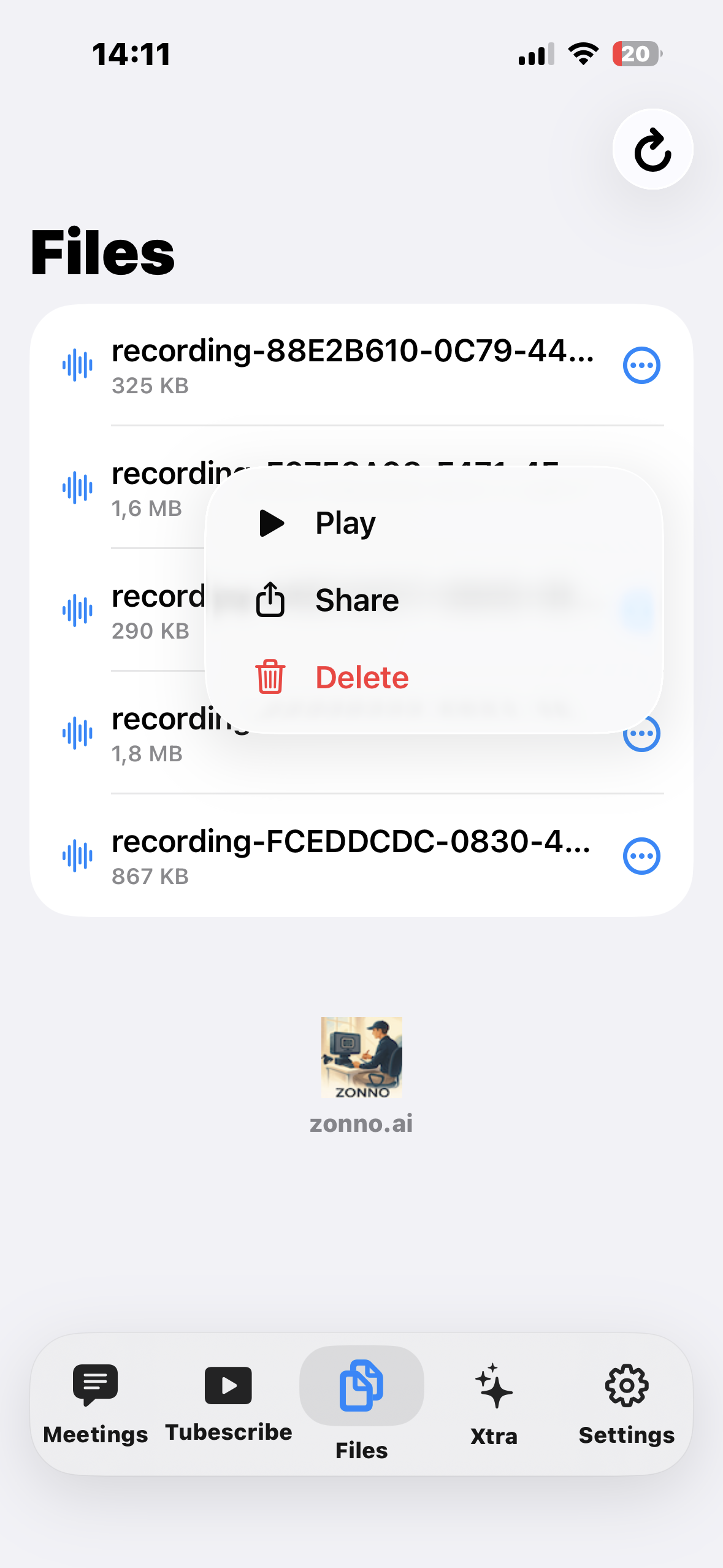
Background uploads can continue when the app is not active. You can export recordings to Files at any time.
Supported formats
- Audio: m4a, mp3, wav
- Video (audio track): mp4, mov
For YouTube, provide a valid URL (youtube.com or youtu.be). Some videos may be inaccessible due to privacy settings or regional restrictions.
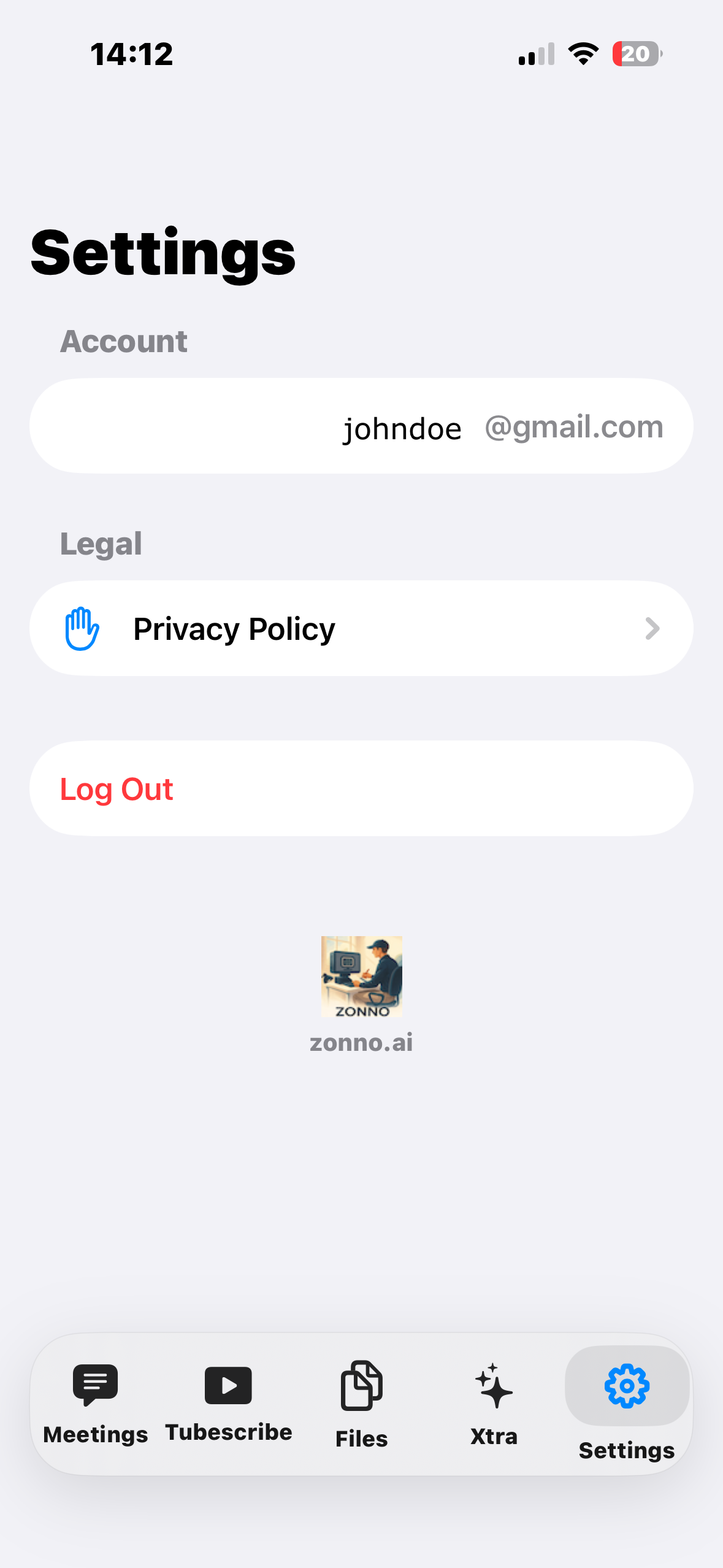
Screenshots
A quick look at the core flows.
FAQ
Why does the app need microphone access?
To record your meetings directly within the app. We only access the microphone when you start a recording.
Can I pause and resume a recording?
Yes. Use the Pause/Continue button in the Quick Record section. We handle interruptions (like phone calls) and can auto‑resume when possible.
Where are my recordings stored?
Locally on your device in the app’s Documents/Recordings folder. You can export any file to the Files app for backup or sharing.
What file types are supported for upload?
Audio: m4a, mp3, wav. Video (audio track): mp4, mov. We choose a reasonable MIME type automatically.
How long until I receive the notes?
Most jobs are accepted immediately; processing time depends on the audio length and server load. You’ll receive an email once it’s ready.
Can I send notes to a different email?
Yes—enter an alternate email in the submission form. Otherwise, we default to your signed‑in account’s email.
Do you store my files after processing?
We process your uploads to generate notes and retain them only as long as needed to deliver results and ensure reliability. See Privacy below for details.
What output formats and languages are available?
Formats: meeting, lecture, conversation, plain. Languages: Original (detected), English, Turkish, German, French, Arabic, Chinese, Japanese.
Privacy
We take your privacy seriously. This section summarizes our practices for ZonnoOffice on iOS.
Data we collect
- Account information: Email, name (if provided), and authentication tokens used to sign in.
- Uploaded media: Audio/video files you choose to upload for transcription and summarization.
- Usage data: Basic logs for reliability and troubleshooting (e.g., upload success/failure, error messages).
How we use your data
- Processing: We process uploaded files to generate transcripts and AI‑crafted notes.
- Delivery: We email results to your chosen address.
- Service improvement: Aggregated, de‑identified metrics may be used to improve reliability and features.
Storage and retention
- On‑device: Recordings remain on your device until you export or delete them.
- Server‑side: Uploaded files and generated outputs are retained only as long as necessary to deliver results and ensure reliability (e.g., retry or audit). We aim to minimize retention.
Sharing
- We do not sell your data. We may use trusted processors (e.g., email delivery, storage) strictly to provide the service.
- We comply with lawful requests where required.
Your choices
- You can delete local recordings at any time from the Files tab or your device’s Files app.
- You can request deletion of server‑side content by contacting support.
Security
We implement technical and organizational measures to protect your data in transit and at rest. No system is 100% secure, but we take reasonable steps aligned with industry practices.
Contact
Questions about privacy? Email [email protected].
Support
Need help with login, uploads, or email delivery?
- Ensure you’re on a stable network for background uploads.
- Check spam/junk folder if you don’t see the email.
- Try smaller files if uploads fail; the server also enforces limits.
Contact us at [email protected].
Links
If you are an enterprise customer and require a DPA or custom terms, please email us.